
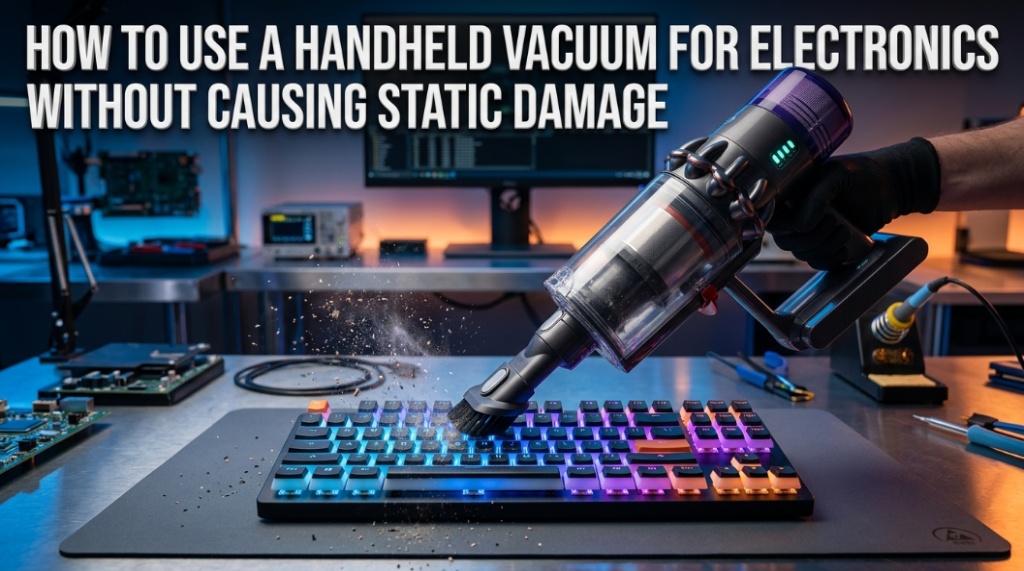

Most computer damage does not happen during gaming, rendering, or heavy workloads. It often happens during cleaning. One wrong pass with a regular vacuum can silently discharge static electricity into a motherboard and destroy components instantly. That is why using a lightweight electronics vacuum correctly matters more than most people realize.
Dust buildup inside electronics traps heat, blocks airflow, and shortens hardware lifespan. But cleaning electronics with the wrong vacuum can create electrostatic discharge (ESD), which may damage sensitive components like RAM, GPUs, SSDs, and motherboards. A proper cordless electronics cleaner or small dust vacuum designed for electronics reduces this risk while safely removing debris from tight spaces.
Whether you are cleaning a gaming PC, laptop keyboard, server rack, camera equipment, or console, understanding how to vacuum electronics safely helps prevent overheating, fan failure, and expensive repairs. This guide explains exactly how to use a handheld vacuum for electronics without causing static damage, including the safest techniques, tools, mistakes to avoid, and best practices recommended by IT professionals.
What Is a Handheld Vacuum for Electronics?
A handheld vacuum for electronics is a compact cleaning device designed to remove dust and debris from sensitive electronic equipment while minimizing static electricity buildup.
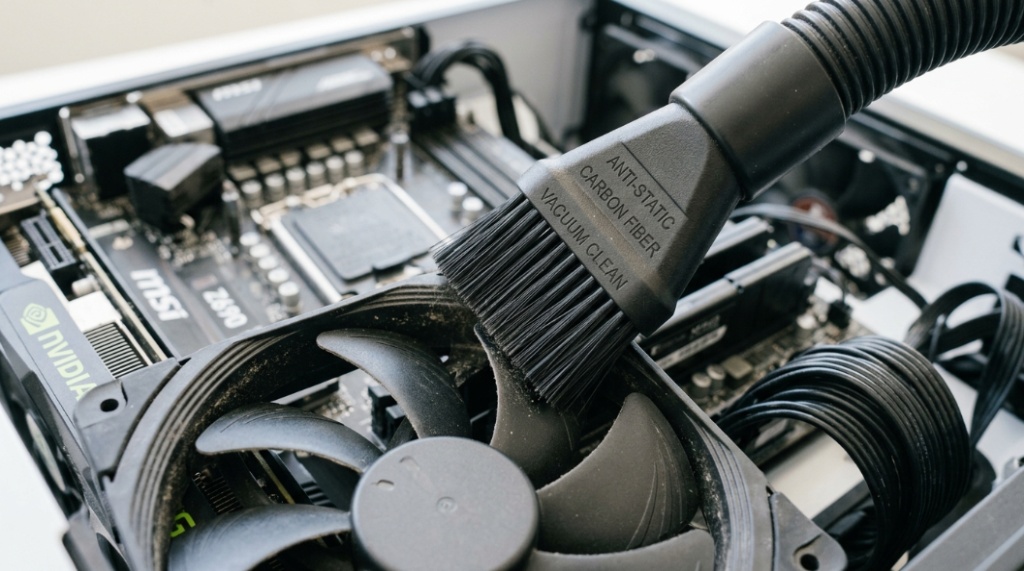
Unlike traditional household vacuums, electronics-safe models typically use anti-static materials, lower suction pressure, HEPA filtration, and precision nozzles. These features help protect delicate internal hardware.
- Designed for keyboards, PCs, laptops, consoles, and cameras
- Usually compact and lightweight
- Built with anti-static or ESD-safe components
- Often cordless for easier maneuverability
- Includes narrow cleaning attachments
Many IT technicians prefer a cordless electronics cleaner because it allows controlled movement inside tight hardware spaces without pulling cables or touching components accidentally.
Why Can Regular Vacuums Damage Electronics?
Regular household vacuums can create static electricity and excessive suction, both of which may damage electronic components.
Most traditional vacuums use high-speed airflow through plastic hoses. That airflow generates static charges through friction. When those charges discharge onto sensitive hardware, they can destroy microcircuits instantly.
How Does Static Electricity Damage Electronics?
Static electricity transfers electrical energy into sensitive components that are designed to operate at very low voltages.
Modern electronics are more vulnerable than many people think. According to industry ESD research, discharges as low as 30 volts can damage microelectronics, while humans usually cannot even feel static below 3,000 volts.
- Motherboards can short internally
- RAM modules may fail unpredictably
- SSDs can lose stability
- GPU circuitry may become permanently damaged
- Laptop ports can stop functioning
This is why professional repair shops use ESD-safe tools when cleaning electronics.
Can You Safely Vacuum a Computer or Laptop?
Yes, you can safely vacuum electronics if you use an electronics-safe vacuum and proper anti-static precautions.
The key is controlling static electricity, avoiding direct contact with components, and using the correct attachments.
What Electronics Can Be Safely Cleaned With a Small Dust Vacuum?
A small dust vacuum can safely clean many devices when used correctly.
- Desktop PCs
- Laptops
- Mechanical keyboards
- Gaming consoles
- Printers
- Camera equipment
- Audio interfaces
- Server hardware
- Networking equipment
However, delicate internal smartphone repairs and exposed PCB-level repairs often require compressed air or specialized ESD-safe tools instead.
What Features Should You Look for in a Lightweight Electronics Vacuum?
The best electronics vacuum includes anti-static protection, low suction control, fine filtration, and precision attachments.
Not all handheld vacuums are safe for electronics. Choosing the wrong model increases the risk of component damage.
| Feature | Why It Matters |
|---|---|
| Anti-static design | Reduces electrostatic discharge risk |
| Low suction mode | Prevents damage to delicate parts |
| HEPA filter | Captures fine dust particles |
| Cordless operation | Improves control and mobility |
| Brush attachment | Loosens stubborn dust safely |
| Narrow nozzle | Reaches vents and tight corners |
| Lightweight body | Reduces accidental impact |
Is a Cordless Electronics Cleaner Better Than a Corded Model?
For most home users, a cordless cleaner is more convenient and safer for maneuvering around delicate hardware.
However, professional repair environments may prefer corded ESD-safe vacuums because they offer consistent power and grounding features.
How Do You Prepare Electronics Before Vacuum Cleaning?
Always power down and disconnect electronics completely before vacuum cleaning.
Preparation significantly reduces the chance of electrical damage or accidental short circuits.
Step-by-Step Preparation Checklist
- Turn off the device completely
- Unplug all power cables
- Disconnect peripherals
- Remove batteries if possible
- Move to a dry, non-carpeted surface
- Ground yourself before touching components
- Wait several minutes for residual power discharge
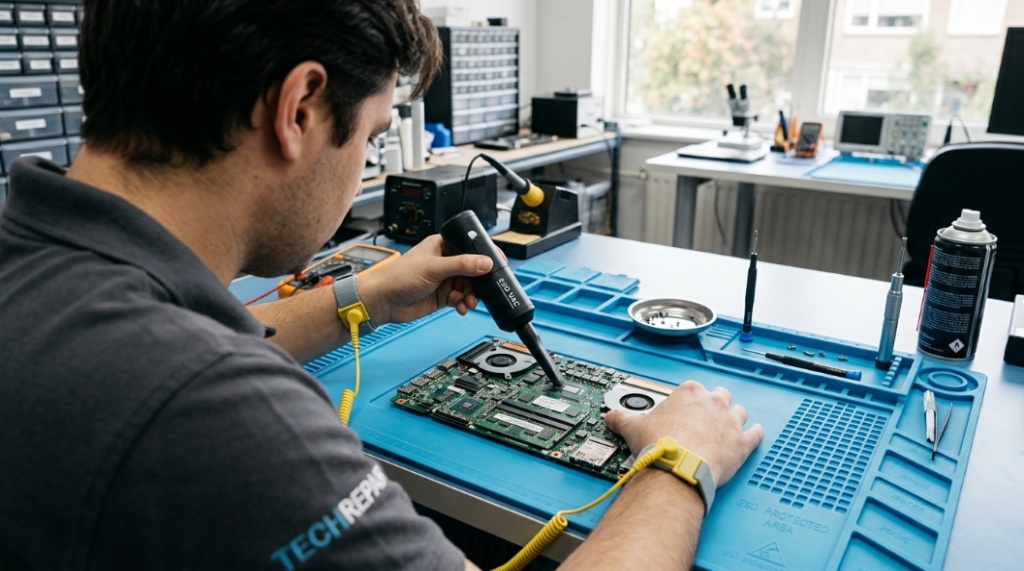
Professional technicians often use anti-static wrist straps connected to grounded surfaces for additional protection.
How Do You Use a Handheld Vacuum Without Causing Static Damage?
Use short, controlled movements while keeping the nozzle slightly above components instead of pressing directly onto them.
The safest technique minimizes friction, static buildup, and physical impact.
Safe Cleaning Process
- Use the lowest suction setting available
- Attach a soft brush or narrow nozzle
- Hold the nozzle slightly above components
- Avoid dragging plastic parts across circuits
- Clean dust gradually instead of aggressively
- Work from top to bottom inside the device
- Focus on vents, fans, heatsinks, and corners
- Keep one hand grounded when possible
Should You Touch Computer Components With the Vacuum?
No. Avoid direct contact between the vacuum nozzle and sensitive hardware components.
Even electronics-safe vacuums should not scrape against motherboards, capacitors, or exposed circuitry.
What Parts of a PC Collect the Most Dust?
Cooling systems and airflow pathways usually accumulate the most dust.
Dust buildup restricts airflow, increases temperatures, and reduces cooling efficiency.
Most Common Dust Collection Areas
- CPU coolers
- GPU fans
- Power supply vents
- Case intake filters
- Radiators
- Laptop exhaust vents
- Keyboard switches
- Fan blades
Research from hardware testing communities consistently shows that dust-heavy systems can experience noticeably higher operating temperatures, especially in gaming PCs and workstations.
Is Compressed Air Better Than a Small Dust Vacuum?
Compressed air removes loose dust effectively, while a vacuum safely captures debris instead of redistributing it into the air.
Both tools serve different purposes.
| Compressed Air | Electronics Vacuum |
|---|---|
| Blows dust away | Collects dust directly |
| Fast for loose debris | Better for controlled cleaning |
| Can spread particles around room | Cleaner overall process |
| May overspin fans dangerously | Allows more precision |
| Often cheaper | Usually reusable long-term |
Can You Use Both Together?
Yes. Many technicians use compressed air to loosen stubborn dust while using a lightweight electronics vacuum nearby to capture airborne particles immediately.
What Mistakes Should You Avoid When Cleaning Electronics?
The biggest mistakes include using a household vacuum, cleaning powered devices, and generating static through improper handling.
Common Cleaning Mistakes
- Using standard household vacuums
- Cleaning while device is plugged in
- Touching circuitry with plastic nozzles
- Using excessive suction power
- Cleaning on carpet surfaces
- Ignoring grounding precautions
- Using wet cloths inside electronics
- Spinning fans too aggressively
Even experienced PC builders occasionally overlook static control, especially during quick maintenance sessions.
How Often Should You Vacuum Electronics?
Most electronics should be cleaned every 3 to 6 months depending on environment and usage.
Dust accumulation varies significantly based on room conditions.
Factors That Increase Dust Buildup
- Pets inside the home
- Smoking indoors
- High humidity
- Carpeted rooms
- Poor ventilation
- Open-window environments
- Heavy gaming or workstation usage
How Do You Know Your Electronics Need Cleaning?
Common warning signs include louder fans, higher temperatures, visible dust, airflow restriction, and performance throttling.
Laptops often show early signs through overheating or sudden fan noise increases.
Can Static Damage Happen Even if the Device Still Works?
Yes. Electrostatic discharge can cause hidden component degradation that appears weeks or months later.
This is called latent ESD damage. The device may continue operating temporarily before failing unexpectedly.
Why Latent Damage Is Dangerous
- Problems appear unpredictably
- Random crashes become more common
- Hardware lifespan shortens
- Troubleshooting becomes difficult
- Failures may look unrelated to cleaning
This is why safe cleaning procedures matter even when no immediate damage is visible.
Are Anti-Static Vacuums Worth It?
Yes, especially for expensive gaming PCs, workstations, professional editing systems, and enterprise equipment.
The cost of an ESD-safe vacuum is usually far lower than replacing damaged hardware.
Who Benefits Most From Electronics-Safe Vacuums?
- PC gamers
- IT professionals
- Content creators
- Photographers
- Server administrators
- Repair technicians
- Remote workers
- Home office users
A quality cordless electronics cleaner also simplifies routine maintenance, encouraging more consistent cleaning habits.
What Are the Best Practices for Long-Term Electronics Maintenance?
Consistent airflow management and preventative cleaning reduce dust buildup significantly.
Long-Term Maintenance Tips
- Use dust filters on PC cases
- Keep electronics elevated off floors
- Vacuum room carpets regularly
- Reduce indoor smoke exposure
- Maintain room humidity between 40–60%
- Store devices in clean environments
- Inspect vents monthly
- Schedule routine maintenance checks
Good airflow management can improve hardware longevity and reduce thermal stress over time.
Conclusion
Cleaning electronics safely is not just about removing dust. It is about protecting sensitive hardware from static electricity, overheating, and long-term damage. A standard household vacuum may seem harmless, but the wrong cleaning method can silently damage expensive components.
Using a lightweight electronics vacuum with anti-static protection, controlled suction, and proper technique dramatically reduces that risk. Whether you choose a cordless electronics cleaner for convenience or a specialized ESD-safe model for professional use, careful handling matters more than cleaning speed.
The safest approach is simple: power devices down, ground yourself, avoid direct component contact, and clean gently with electronics-safe tools. Regular maintenance keeps systems cooler, quieter, and more reliable over time.
If your PC, laptop, gaming console, or workstation has not been cleaned in months, now is the right time to start using safer cleaning practices before dust or static damage turns into an expensive repair.
Frequently Asked Questions
Can I use a regular vacuum to clean my computer?
No. Regular household vacuums can generate static electricity that may damage sensitive electronic components. Always use an electronics-safe vacuum or compressed air designed for electronics cleaning.
What is the safest way to remove dust from electronics?
The safest method is using an anti-static handheld vacuum or compressed air while the device is powered off and unplugged. Ground yourself before touching internal components.
Does a cordless electronics cleaner create static electricity?
Some low-quality models may create static, but electronics-safe cordless cleaners are specifically designed to minimize electrostatic discharge risk using anti-static materials and controlled airflow.
How often should I clean my gaming PC?
Most gaming PCs should be cleaned every 3 to 6 months. Systems in dusty environments or homes with pets may require more frequent maintenance.
Can static damage happen instantly?
Yes. Electrostatic discharge can instantly destroy sensitive circuits. In some cases, it may also cause latent damage that appears later through crashes or hardware failure.
Should I hold PC fans while vacuuming?
Yes. Preventing fans from spinning excessively during cleaning helps avoid unnecessary stress on fan bearings and internal circuitry.
What is better for electronics: compressed air or a small dust vacuum?
Both tools are useful. Compressed air loosens dust, while a small dust vacuum captures debris directly. Many professionals use both together for safer and cleaner maintenance.